Houdini & Nuke
In this page I'll share my approch to do painterly rendering.
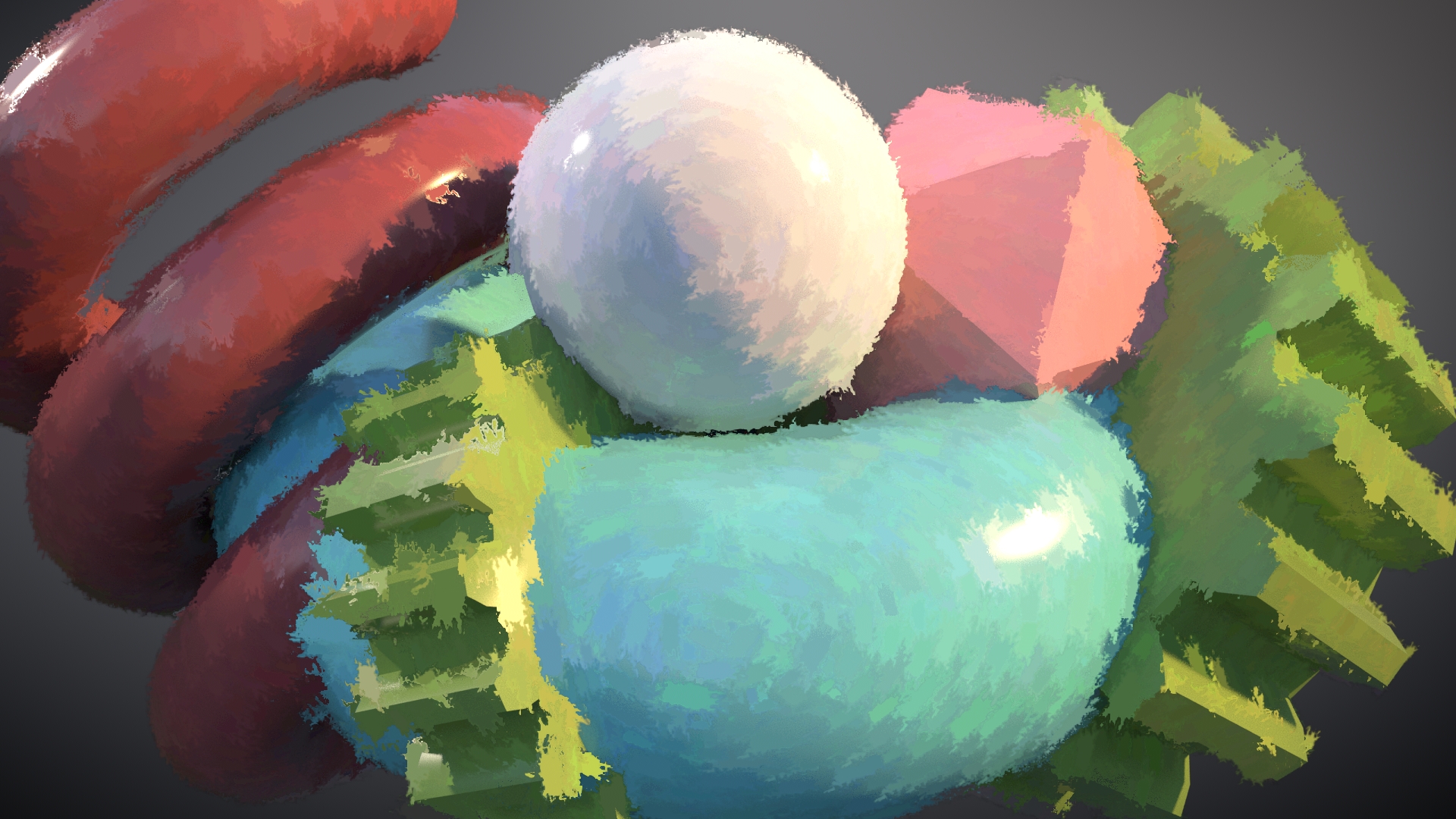
My goal with the approach is to make the brushstroke get applied in comp and not during the initial render. Why?
- No custom shader or render engine C++ API is required
- The brushstroke will take into account any potential color correction or relighting in comp
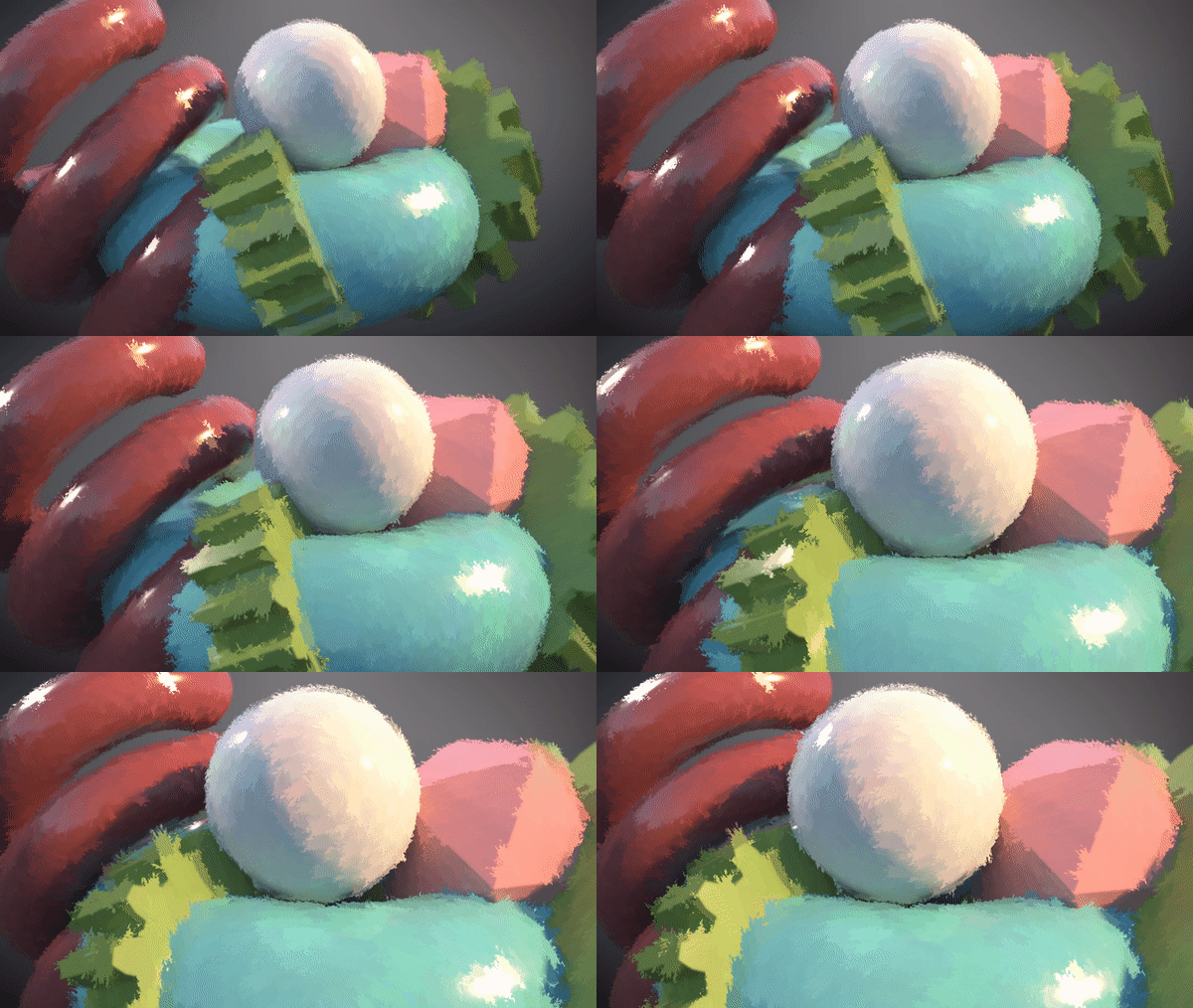
Here is how I did it using Houdini and Nuke:
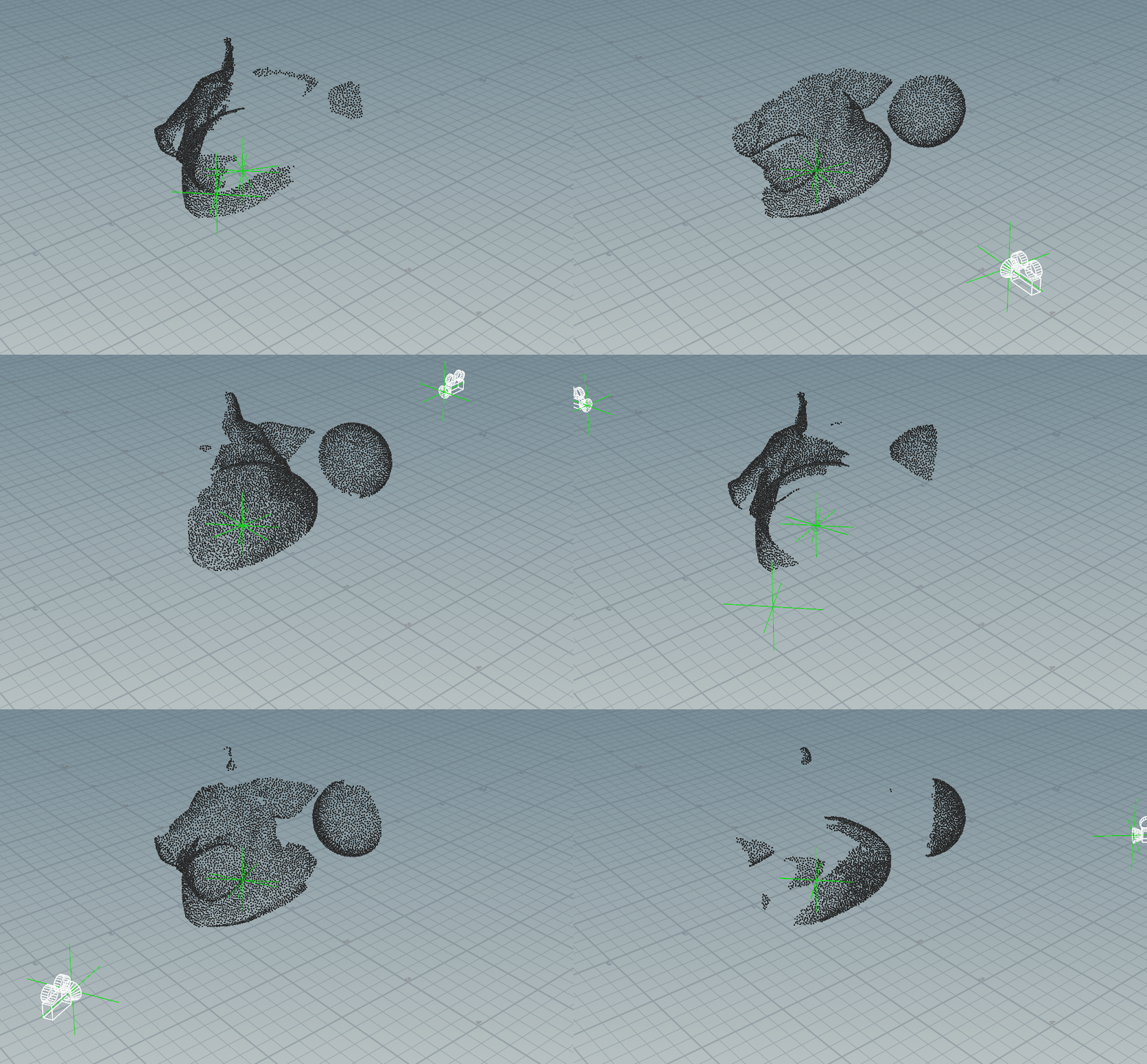
In Houdini, we can scatter planes with colors that represent the primitives positions (@P).
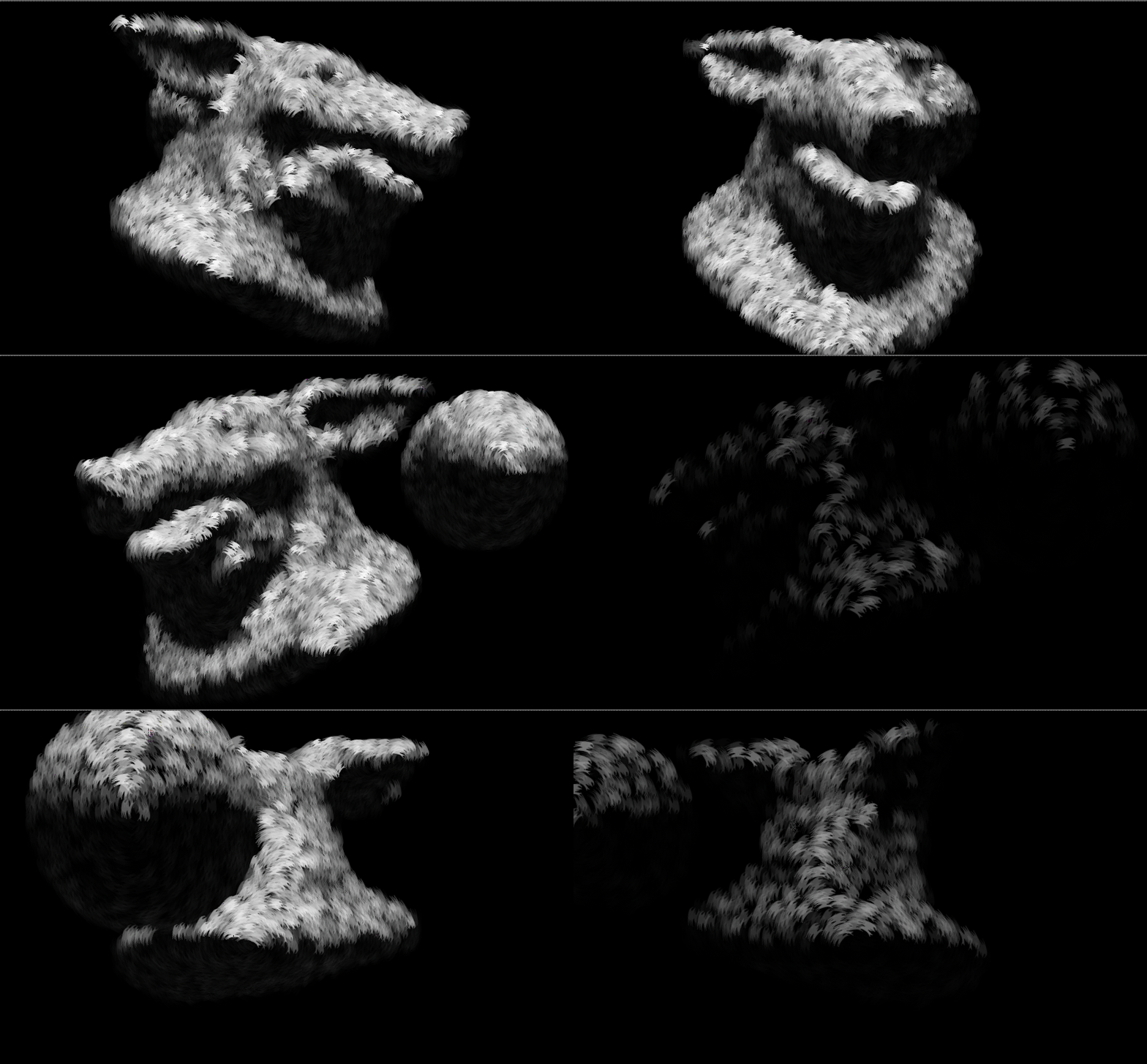
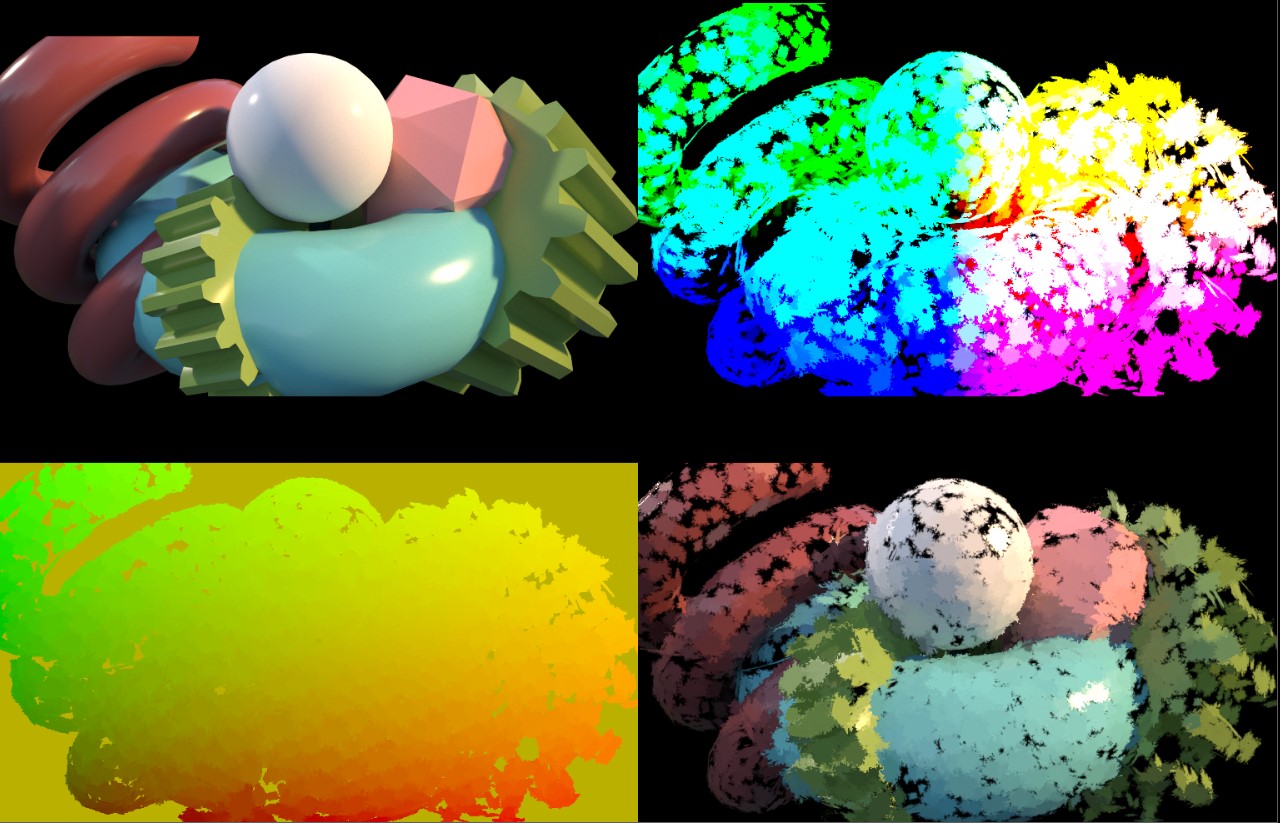
The planes are then cut by brush-like alpha. In Nuke we converted the primitives colors (world position) from world space to screen space.
(Converting the colors from world to screen was covered in point position Applications).
finally we use the STMap node just like we did with the Trails Generator.
Alternative Approach
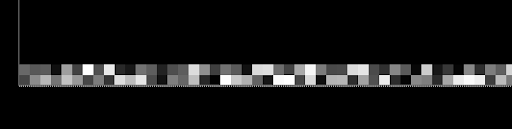
Instead of scatter the brush geos in Houdini, another approach is to encode point cloud data into an EXR image and reconstruct it inside Nuke using BlinkScript.
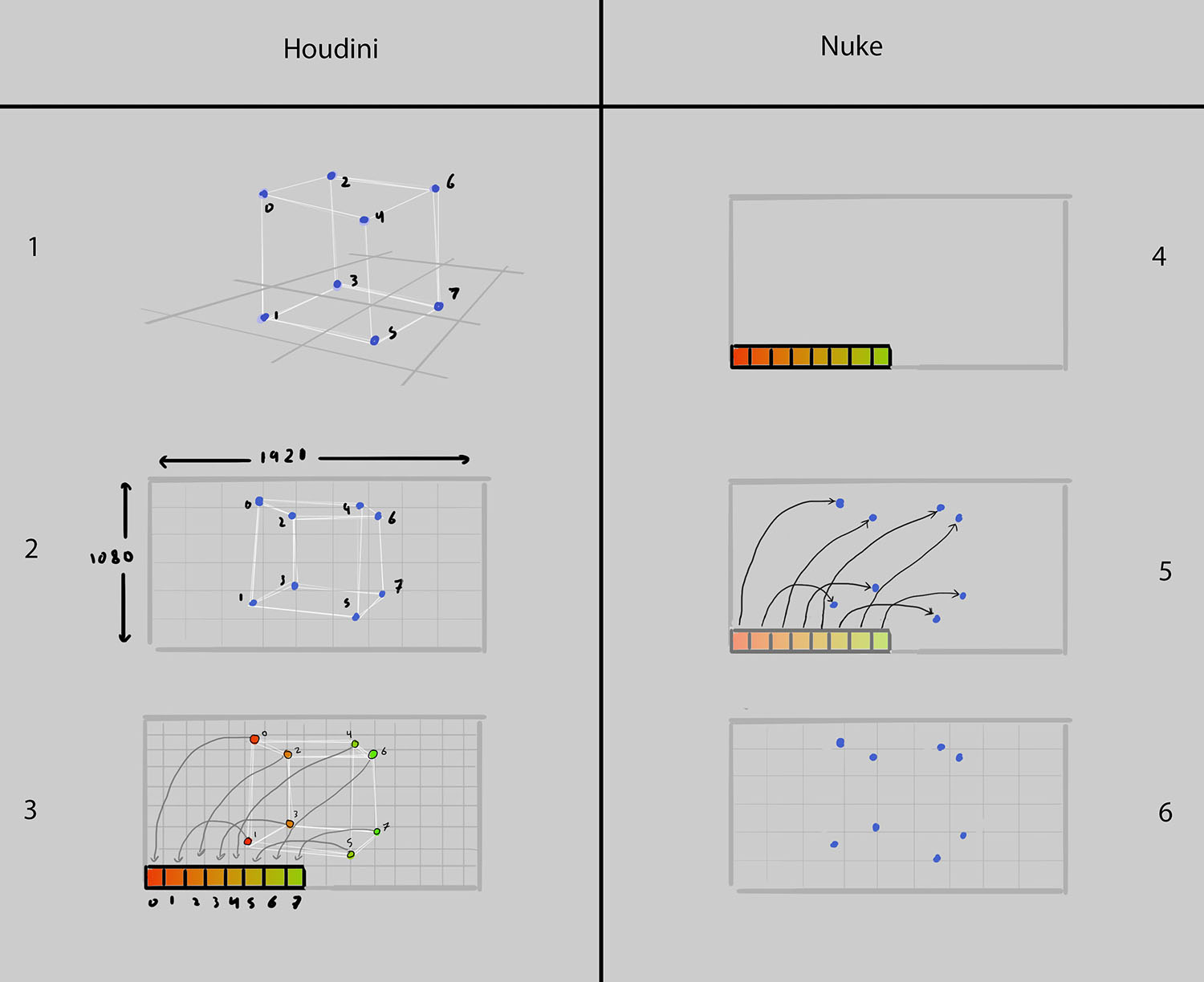
In Houdini
- Scatter points in 3D space across the source geometry
- Project the points into screen space and encode their attributes into color channels:
- R, G = Screen-space X and Y position
- B = Depth
- A = Point ID
In Nuke
- Read the EXR and use BlinkScript to process the encoded pixel data
- Reconstruct the original point positions by decoding the screen-space coordinates and depth values stored in the image
- Generate brush stroke instances from the reconstructed points, allowing the strokes to be rendered and manipulated entirely within Nuke
This approach effectively treats the EXR as a compact point cloud container. By transferring point data through image channels rather than geometry files, large numbers of points can be transported efficiently between Houdini and Nuke while maintaining full control over stroke generation during compositing.